01Step
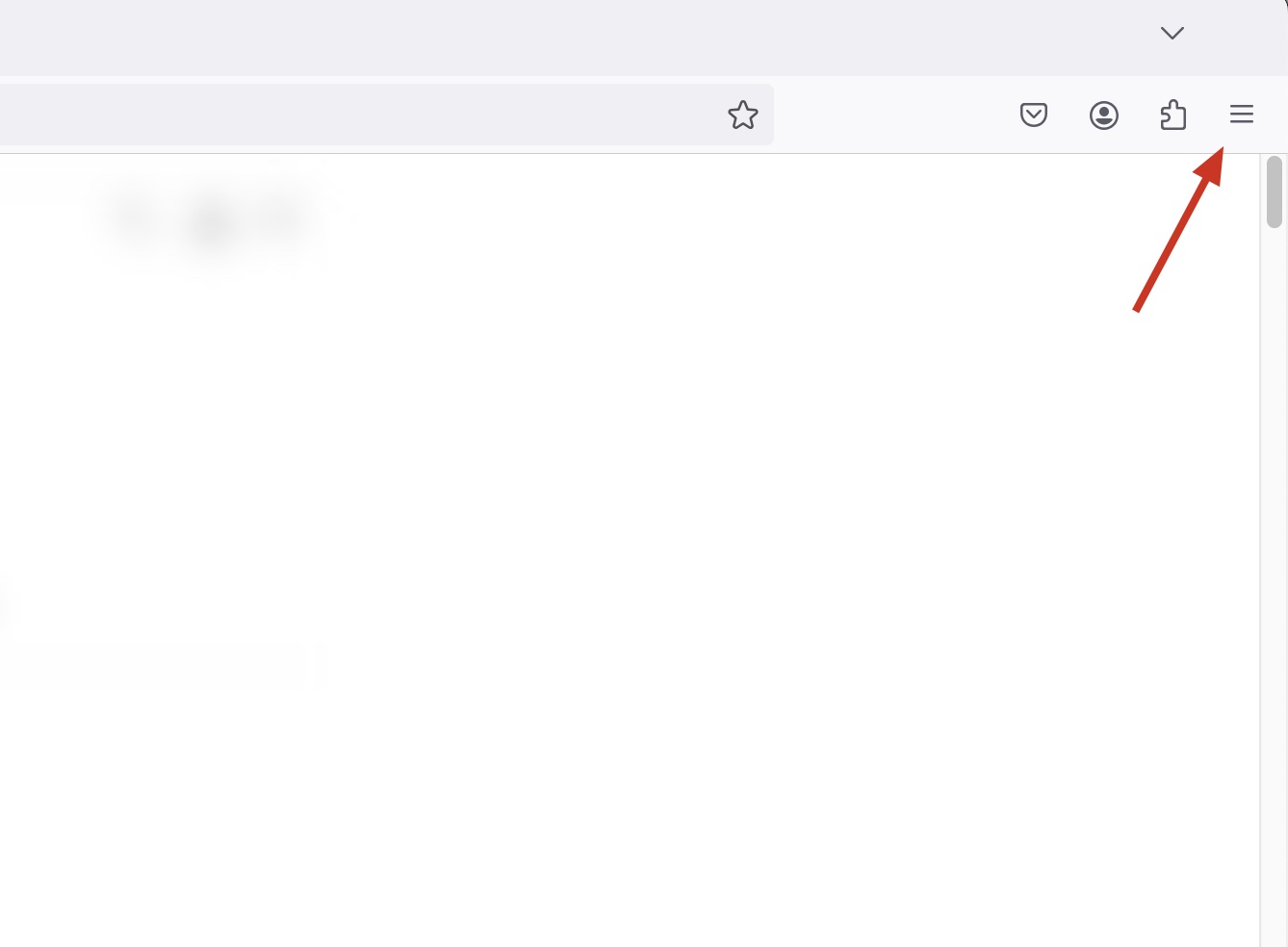
Open your Google Firefox browser. Click on the symbol with the three small dots at the top right. Click on the dots with the left mouse button. The menu will then open.
02Step
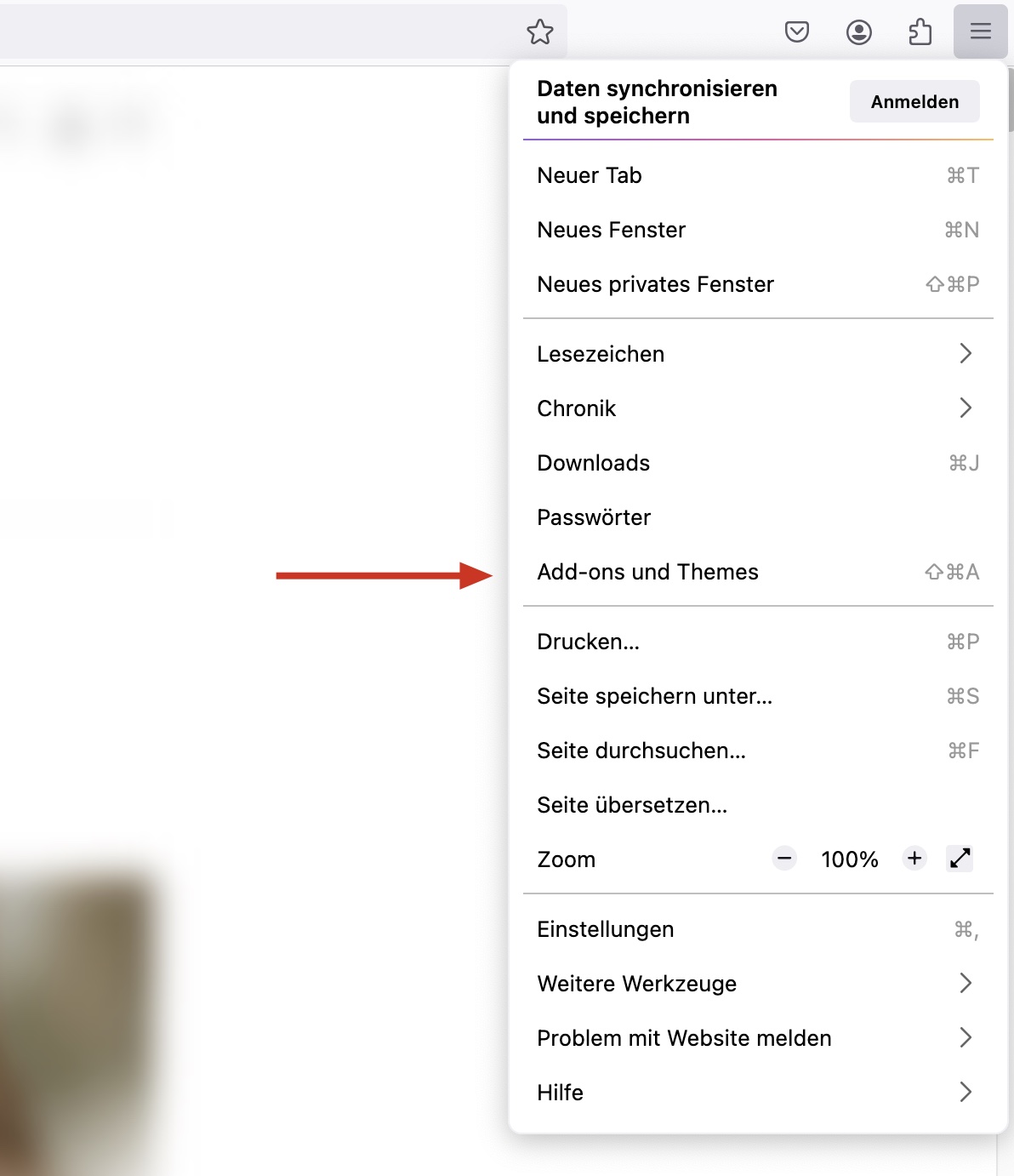
Search for ‘Add-ons and themes’ in the open menu. Move the mouse pointer over it so that the menu window expands.
03Step
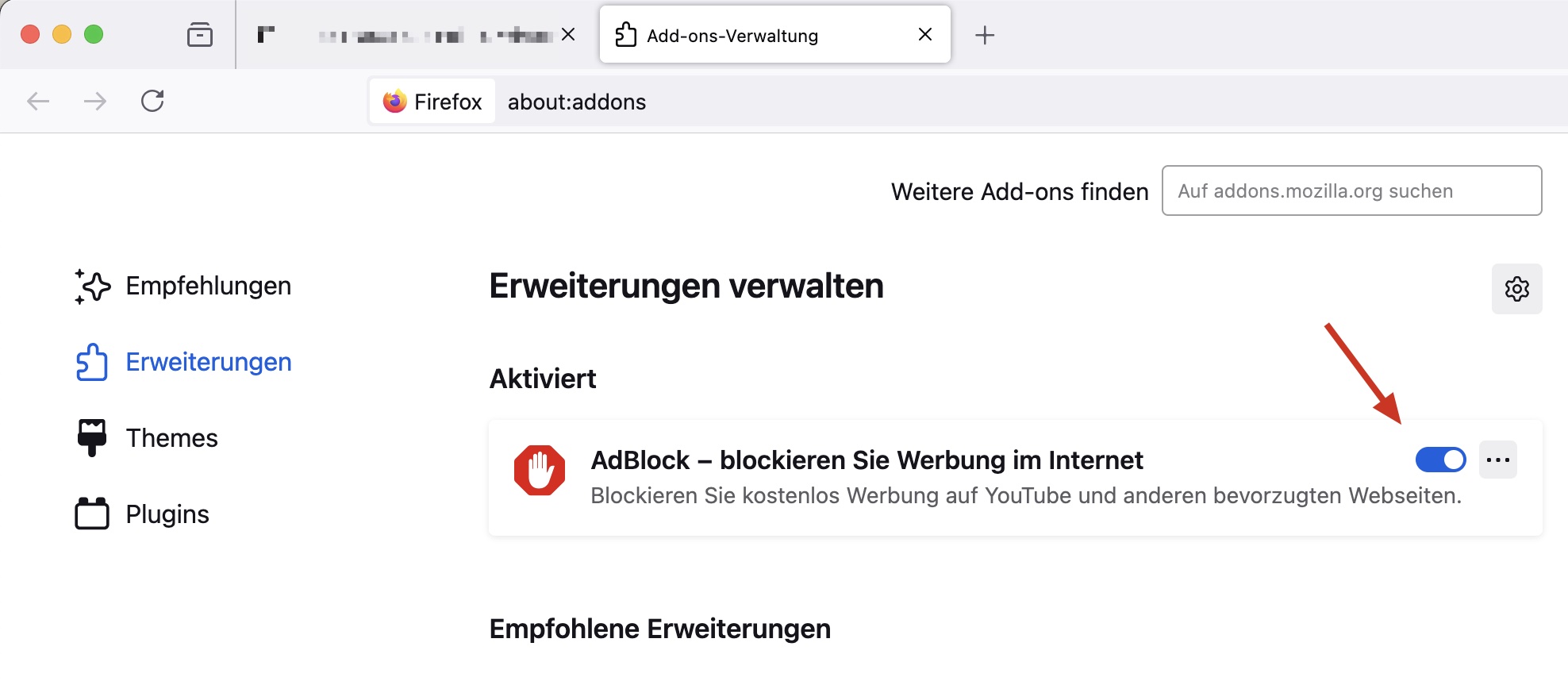
You will now see your installed extensions. Find your adblocker and move the blue dot on the bar to the left.
04Step
Your adblocker is now deactivated.
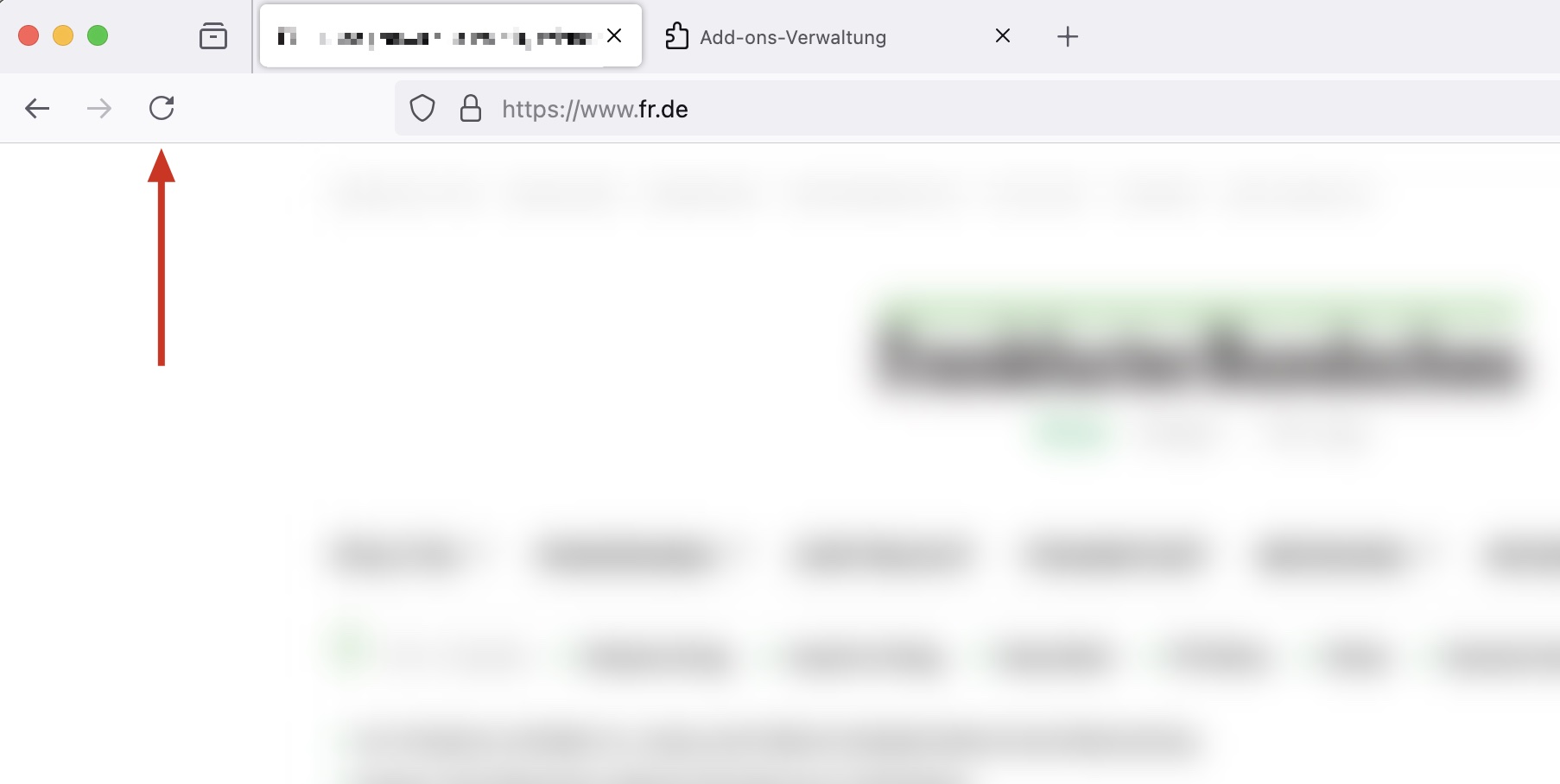
Refresh your browser once with the button at the top left of the address bar or with the F5 key on your keyboard.
You can now view all previously blocked content on your desired page.